Flat the Mountain How to Redeem Codes
Step-by-step redemption for when DomBlox finally ships a real Flatten The Mountain promo.
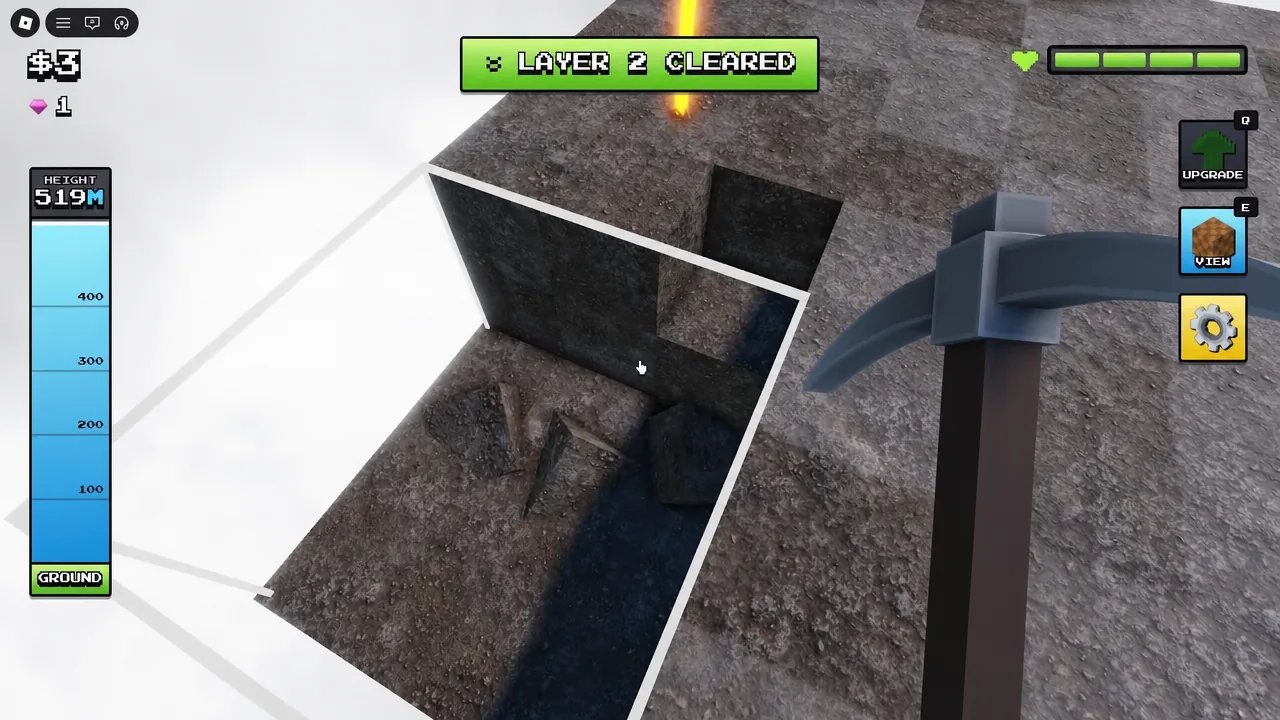
This page teaches how to redeem codes in Flatten The Mountain on Roblox without spreading fake strings. DomBlox Games has not confirmed any working promo codes as of November 2026 — including after the THE MOON IS OPEN update window and third-party CodeDrop-style roundups that still list nothing verified. Learn the redemption flow now so you are ready when a real code appears, and keep grinding systems that already work: ores, drones, chests, and pickaxes.
Parent status table: Codes Hub. Patch context: Updates Hub and Moon update notes.
Hard truth before any steps
| Claim you might see | Reality (Nov 2026) |
|---|---|
| “Active Flatten The Mountain codes list” with a dozen strings | Almost always invented or copied filler |
| FLATTENFAST / MOUNTAIN100 / FREEGEMs style codes | Not verified — do not publish or trust them here |
| ”Moon update codes” bundled with THE MOON IS OPEN | No confirmed working promos tied to the Moon map |
| ”Expired yesterday but still try” lists without dates | Noise |
This wiki will only list codes we can describe as working or clearly expired with labels. Until then, the honest table on the Codes Hub stays empty on purpose.
Step-by-step redemption (when a real code exists)
- Launch the official place: Flatten The Mountain (universe 10737798435).
- Join any mode — Solo, Duo, Trio, or Squad (1–4) all reach the same account UI when Codes are enabled. Servers hold up to 20 players; noise does not block redemption.
- Look for a Codes button on the HUD, a Twitter / X follow prompt that unlocks a text box, or a gear / settings style menu. DomBlox titles sometimes move this control when the lobby shop or pickaxe vendor is redesigned.
- Tap or click to open the text field.
- Paste the code exactly as published — matching uppercase/lowercase and removing leading or trailing spaces.
- Submit / redeem.
- Confirm the reward in cash, gems, power-ups, or cosmetics. If counters do not move, the string is invalid, expired, already used, or mistyped.
- Bookmark the Codes Hub and re-check after major patches instead of trusting random thumbnails.
If the Codes button is missing, do not assume every YouTube title is lying about a secret menu — many creators film other games’ UIs. Check the live place description and DomBlox group shout first.
Troubleshooting failed redeems
| Symptom | Likely cause | What to do |
|---|---|---|
| Invalid code | Typo, fake list, or expired string | Re-copy carefully; refuse undated lists |
| No Codes button | Promo UI not shipped or moved | Search HUD/gear; wait for DomBlox confirmation |
| Already redeemed | One-per-account limit | Stop retrying; check inventory |
| Reward missing | UI lag or wrong currency checked | Relog; verify gems vs cash |
| Only works on “private servers” rumors | Usually false | Test Solo on the official place |
Never install a “code generator” executable or sketchy browser extension. Real Roblox promos never require off-platform password entry.
What to do instead of waiting
Codes — when they exist — will not flatten 89 layers (534 m, ~9400 blocks) for you. Spend the wait productively:
- Follow Getting Started for Damage I ($1), Drone I ($5), Turret I (
$23), Auto Mine ($200). - Run the Mining Loop and dig buried chests toward Storm Hammer (~396 gems).
- Practice Eagle Survival and learn Moon Map after earth clears.
- Use Controls so platform inputs stay clean.
- Treat scripts as a separate, risky topic — SoftKillz / ALTER are not promo codes.
Where DomBlox usually announces real codes
When a string finally ships, watch:
- Roblox place description updates
- DomBlox Games group announcements and shouts
- In-game patch toasts alongside notes like THE MOON IS OPEN
- Occasional visit / like / favorite milestones (the game already passed roughly five million visits)
This wiki mirrors confirmed strings only. We will not pad the page with guesses to chase search traffic.
Safety rules for Squads and kids’ accounts
- Redeem on your own account; do not share passwords so a friend can “enter codes for you.”
- Screenshot a working code’s reward once, then verify it still works before telling a whole Squad.
- Parents: fake code sites are common malware funnels — stick to Roblox itself plus this hub.
- Creators: if you film a redeem tutorial before DomBlox publishes anything, you are teaching a UI that may not exist yet — label speculation clearly.
Related links
- Codes Hub — live status table
- Moon update — big patch notes without fake promos
- Updates Hub — timeline
- Wiki overview — core facts
- Links Hub — official outbound URLs
- Tools Hub — controls while you wait
Redeem carefully, refuse fiction, and keep mining. Flatten The Mountain progresses through drones, turrets, chests, and pickaxes every day — codes are optional icing DomBlox has not served yet.
Frequently Asked Questions
Quick answers for Flat the Mountain players.
Are there any working codes to redeem right now?
As of November 2026 there are no confirmed working Flatten The Mountain promo codes. Do not trust invented lists.
Where is the Codes button?
When enabled it usually appears on the HUD, behind a Twitter/X prompt, or inside a gear/settings menu. Exact placement can move after patches.
Why did my code say invalid?
The string is mistyped, expired, already used, or was never real. Copy exactly and avoid undated third-party lists.
Do codes work in Solo and Squad?
Yes. Redemption is account-based when available; Solo through Squad (1–4) should reach the same Codes UI.
Did the Moon update add codes?
No confirmed promos shipped with THE MOON IS OPEN. Check the Codes Hub after future DomBlox announcements.
What should I farm while waiting for codes?
Mine high-value ores, buy drones/turrets/Auto Mine, dig chests for gems, and climb pickaxes toward Storm Hammer.